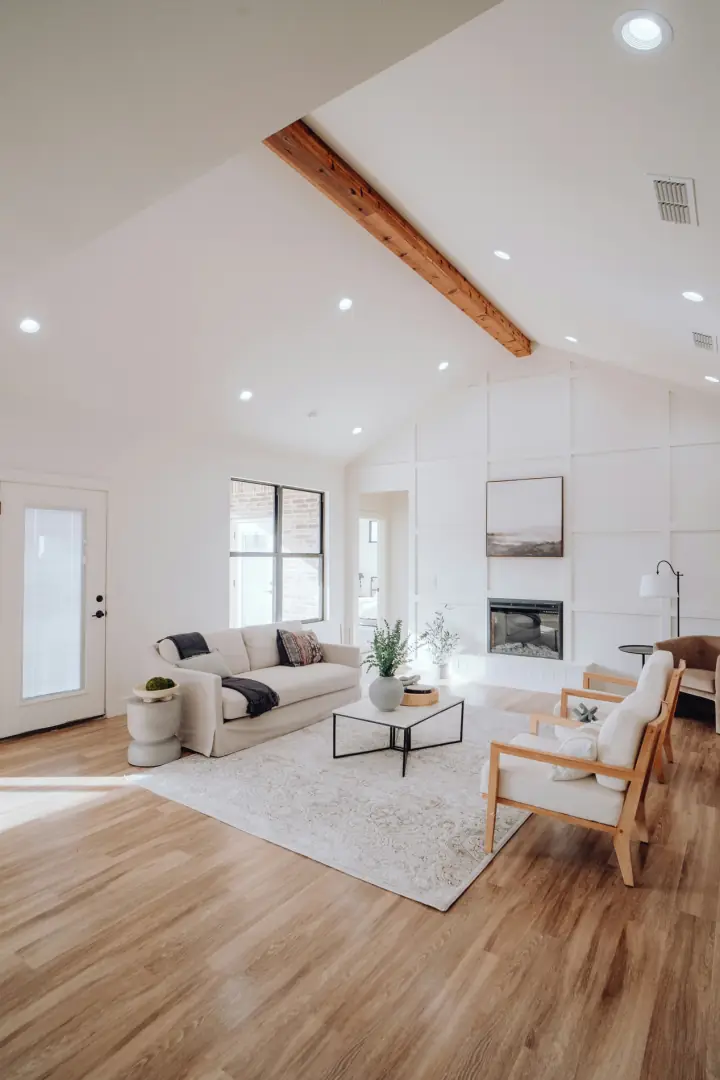
1
Stand where the client will stand
Center of the kitchen, the bath, the addition. Phone close to your face. Follow the dots. Do not walk. Sweep the floor first — the sphere sees everything.
For remodelers and trades
The client wants to see the kitchen before Saturday’s walkthrough. Stand in the middle, follow the orange dots, tap Publish, text the link. They look around. You keep the afternoon.
iPhone 11 or later. One room per link — which is the job.
The problem
A photo dump does not show the room. Another drive does.
You already took twenty shots. The client still cannot tell if the island sits in the space, or if the tile turned out. They ask you to swing by. You were supposed to be on the next job.
A photographer or a scanner is overkill for a $28k kitchen. 360 Photo is a look-around from the center of the room, on the phone in your pocket, as a link they can pinch and drag.
How trades use it
Center of the kitchen, the bath, the addition. Phone close to your face. Follow the dots. Do not walk. Sweep the floor first — the sphere sees everything.
The phone stitches an 8K sphere in the library. Tap Publish. You get an unlisted URL. Unpublish when the job closes if you do not want the link floating.
They open it on the couch. Drag to look at the backsplash, the ceiling, the floor. Save the JPEG to Photos if you want it in the job folder too.
Instead of
| Camera roll dump | Photographer / scan | 360 Photo | |
|---|---|---|---|
| Time | Shoot, crop, text | Schedule and wait | Before you load the van |
| What they see | Whatever you framed | A produced set | The whole room from one spot |
| Their next question | “Can you swing by?” | Invoice | They already looked around |
| Your job | Photographer | Coordinator | Stand still and tap Publish |
One standing spot per link. Before and after is two spheres, two links — not a slider.
Objections
No. It is a look-around of one room, as a link. Save the JPEG into your own job folder or website if you want a portfolio. We are not building a contractor gallery in this beta.
Shoot twice. Publish twice. Two URLs. There is no split-screen in the viewer yet.
Yes. The sphere sees the floor, the ceiling, the toilet you forgot. Sweep, lights on, stand in the middle. Tight powder rooms will ghost — skip them or accept it.
No. They open the URL. Drag to look, pinch to zoom. Unlisted until you send it.
Yes. Unpublish from the app. The URL 404s. Publish again and it reuses the same address if you need it later.
Also for
iPhone beta
Early access is the capture app on your iPhone. Stitch the room, tap Publish, text the owner the link.
iPhone 11+, iOS 17. You’ll get a confirmation now, then a TestFlight invite when a build is ready. Beta publishing is free.
You’re on the list. Check your inbox for a confirmation — TestFlight comes next.
Could not join the list. Try again in a moment.