Show how it all fits
Let guests see how the kitchen connects to the living area, where the loft sits, and what surrounds the dining table.
For cabins, vacation homes & rental portfolios
Show the space behind the photos. Capture a 360 on your iPhone and give guests a view they can explore, from the layout of the living room to the outlook from the deck.
Free iPhone beta · No special camera · No app needed to view
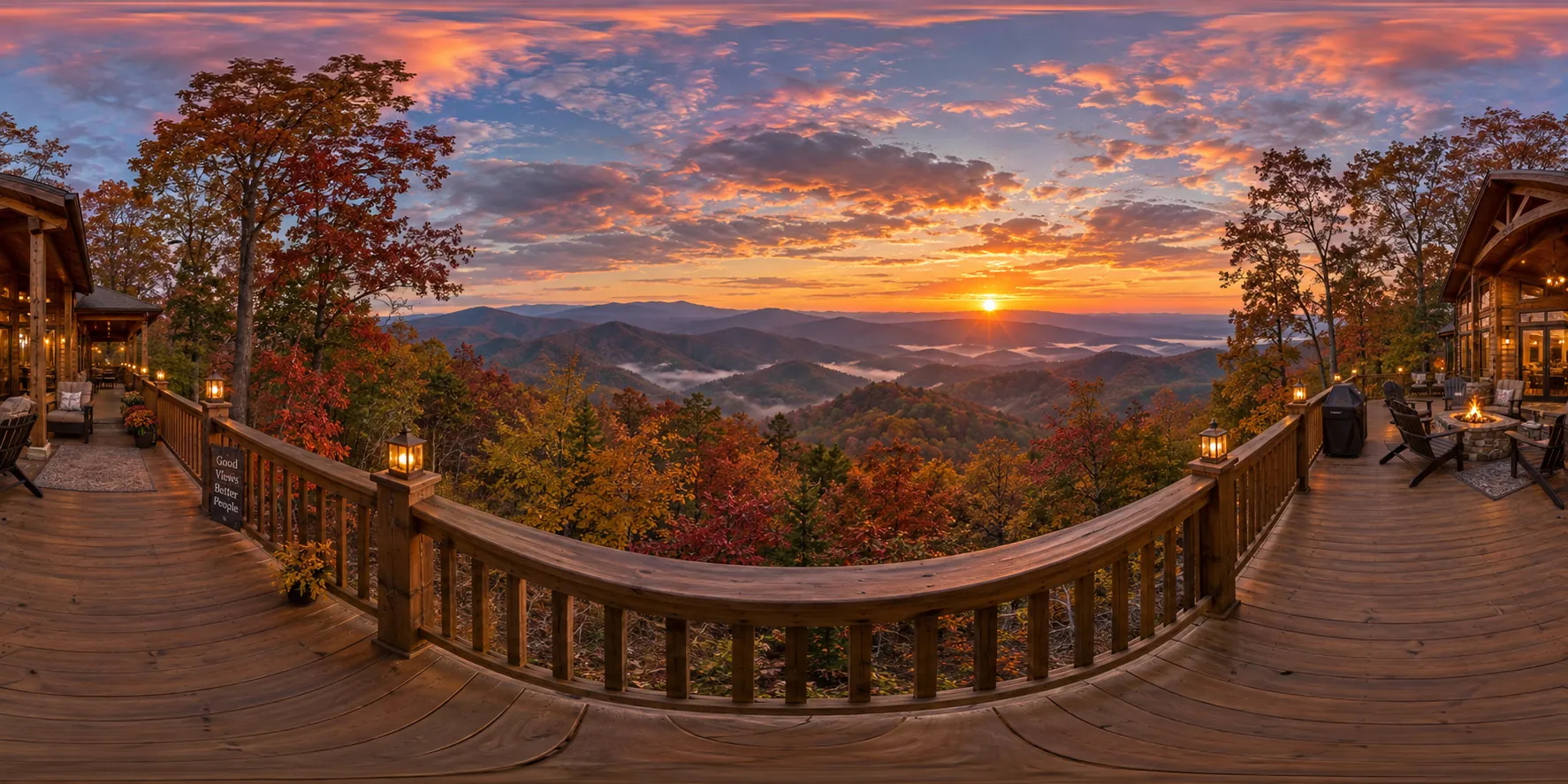
A look-around 360
Drag to look around. Pinch or scroll to zoom — same gesture guests use on a published page.
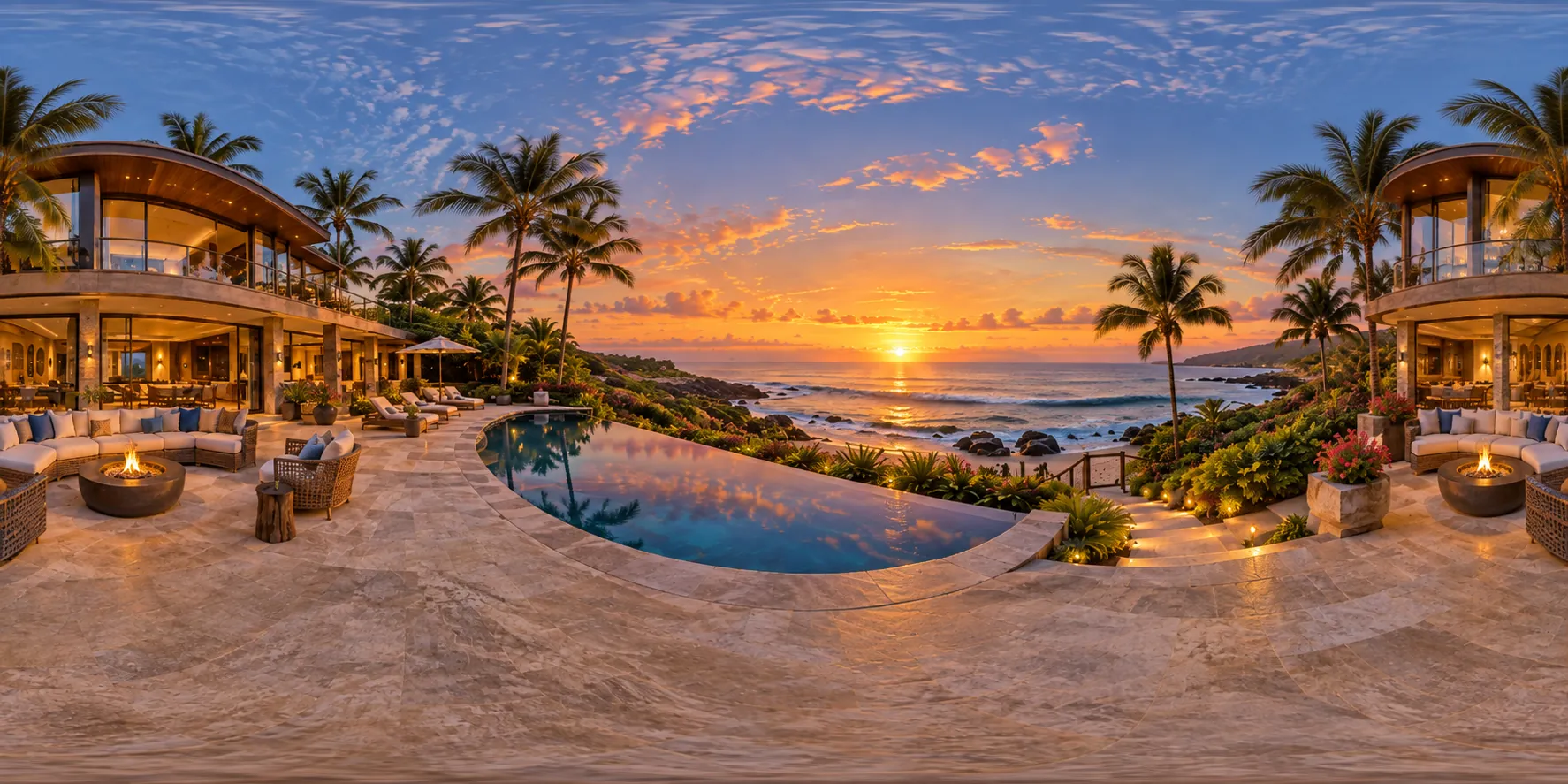
Help guests picture their stay
Let guests see how the kitchen connects to the living area, where the loft sits, and what surrounds the dining table.
Capture the deck, garden, or overlook so guests can explore the details that make your property worth a visit.
Add a link to your own website or email. Guests open it on their phone or laptop, with no download or sign-in.
Your iPhone is the kit
Stand in an open spot and follow the orange targets. Hold the phone steady as the app guides you around, up, and down.
The app stitches an 8K × 4K photosphere on-device. Look around the result and save the original JPEG whenever you like.
Publish a page and copy the link. Anyone with it can explore that viewpoint in their browser. Publishing is free during beta.
Requires iPhone 11 or later and iOS 17 or later. Open spaces work best; nearby objects and movement can cause stitching artifacts.
Coming next · Property pages
We’re building toward a complete property page, with every room together and a clear next step for interested guests.
Join the beta and shape what’s nextPlanned features — not in the current beta
One link with named rooms and simple navigation.
A property cover, your logo, and a button to your existing availability or inquiry page.
Website embeds and reporting on room engagement and booking-button clicks.
Start with your first room
Capture, export, and publishing are free during beta. The property plans below are proposed launch pricing; they are not available to purchase yet.
Explore what your iPhone can do.
A home for one exceptional stay.
For a growing collection of stays.
No payment is collected when you join. We’ll confirm features, limits, and hosting terms before offering a paid plan.
Before you start
Capture a photosphere, preview it, export the original JPEG, and publish a browser page with a look count. Each page shows one viewpoint. Connected rooms, booking buttons, custom branding, and property analytics are planned additions.
You can add a link to a published capture on a website you control. Guests follow it to the viewer. A dedicated embed workflow and booking buttons are planned for property pages.
There are no direct integrations. Support for external links varies by platform and placement; check the platform’s current rules before adding one. Your own website and email are the starting point for sharing.
No. The beta uses the camera and motion sensors on an iPhone 11 or later running iOS 17 or later. Each capture is a spherical photograph from one spot, rather than a measured 3D model or floor plan.
Choose an open spot, keep the phone close, and follow the targets without walking. Review the result before leaving the room. Tight spaces, nearby furniture, and moving subjects can produce ghosting or visible seams.
Published pages are unlisted and kept out of search by default, but anyone with the link can open or forward it. You can unpublish from the app to take the page down. Your original JPEG remains yours to keep.
Join the list below. We’ll email a TestFlight invitation when a build is ready for you. Capture and publishing are free during beta; the proposed paid property plans are not live yet.
iPhone beta
Try a capture on your own property. See what guests could explore.
iPhone 11+, iOS 17+. TestFlight invitations are sent as builds become available. No payment required.
You’re on the list. We’ll email your TestFlight invite when a build is ready.
We couldn’t save your email. Please try again.